install4j ships with an agent skill, a self-contained knowledge package that
lets an AI coding assistant read, edit, and create install4j project files (.install4j).
The skill bundles the project XML schema, a catalog of every available bean class
like screens, actions, form components, screen and widget styles and installer applications.
Also, sample projects, the install4j API, and the entire documentation are all included in an AI-friendly format
together with instructions for common workflows.
Once installed, a compatible coding assistant loads the skill on its own whenever you give it tasks related to install4j projects, so it can answer questions and make edits with full knowledge of the file format.
Installing the skill
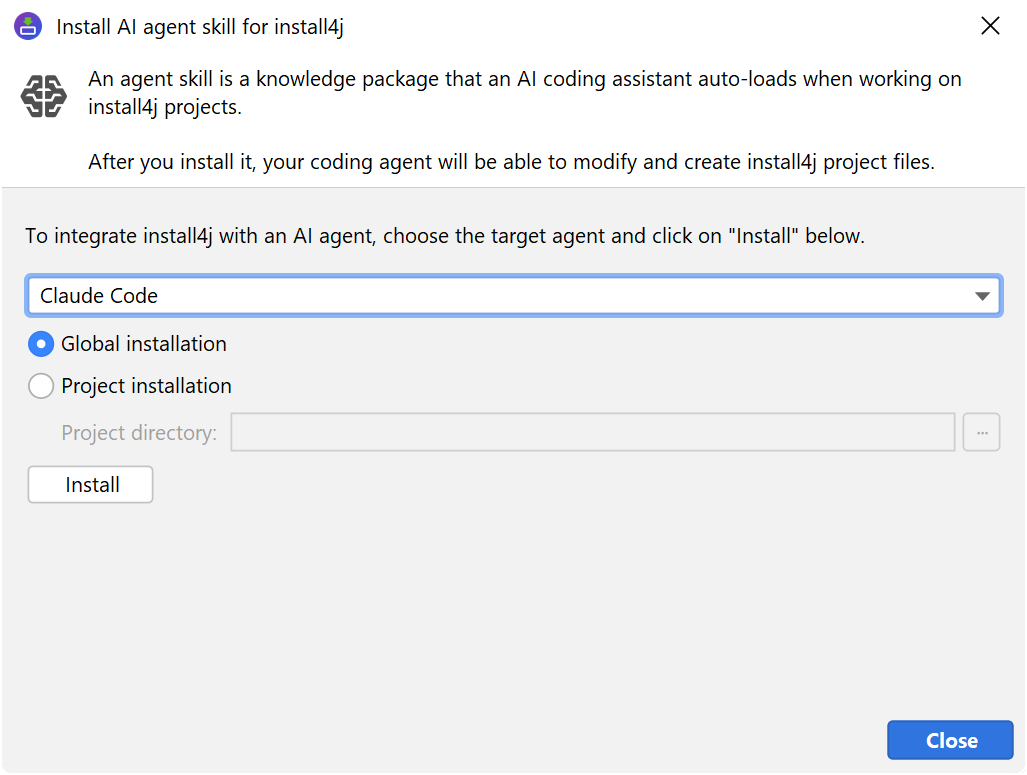
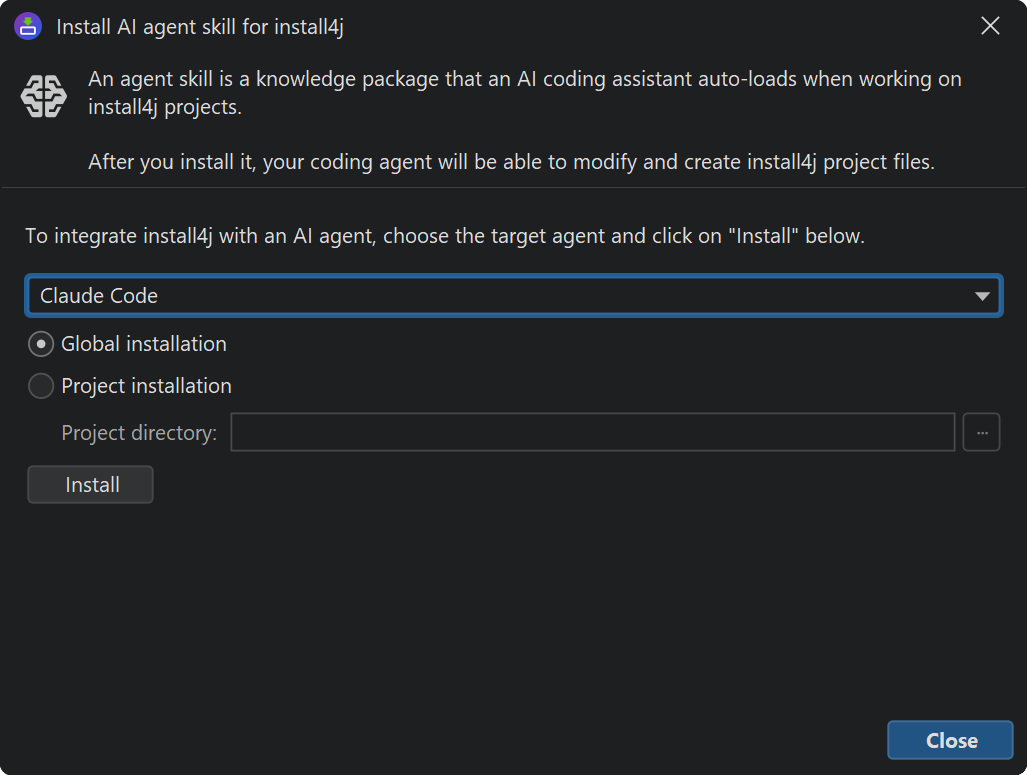
Click the Install AI Skill button in the toolbar.
Two scopes are available for agents that support both:
-
Global
The skill is written into the per-user skills directory of the chosen agent. The skill is then available in every project on the current machine. -
Project
The skill is written into a sub-directory of the project you select. In that case, the skill is only available when the agent is run from that project
The following AI agents are recognized:
-
Claude Code, Claude Desktop
Skills are read from~/.claude/skills/globally and from.claude/skills/per project. -
Cursor, Codex CLI, Gemini CLI, OpenCode, Generic
These agents recognize the vendor-neutral location~/.agents/skills/globally and.agents/skills/per project. SelectingGeneric AI agentwrites to the same location and is meant for any agent that follows the same convention but is not listed explicitly. -
Junie, Junie CLI
Skills are read from~/.junie/skills/and.junie/skills/. The Junie GUI integration is global-only while Junie CLI supports both scopes.
The dialog writes the skill into the directory that each agent reads from. Each installation overwrites the previous copy of the skill at that location, so it is safe to run it multiple times.
Version pinning
The skill is generated from the install4j installation that ships it. The bean catalog,
the schema, and the sample projects all reflect that exact install4j version. When you
upgrade install4j, run the Install AI Skill action again so the agent picks up the
new bean properties, schema additions, and sample changes.
The skill also includes the install4j version it was built against in its top-level
SKILL.md file. When the agent creates a new project from the skill, it sets
the version attribute on the root <install4j> element to
that version. When editing existing projects, the agent does not change the version.
However, the agent has no knowlegde of format changes, so it is not advisable to use a
skill on an version-mismatched project file.
Pinned compiler location
The skill also knows about the absolute path to the install4jc command-line compiler
that belongs to the install4j installation that wrote the skill. The agent uses that exact
path whenever it validates a project with install4jc --test, so validation runs
against the same install4j version the skill was generated from. Validation will only work correctly
if the skill and install4j compiler have the same version.
If you move or delete the install4j installation that wrote the skill, you have to rerun the skill installation, to ensure that the agent can work correctly and efficiently.