The Model Context Protocol (MCP) is an open standard that enables AI agents to interact with external tools and data sources. JProfiler provides an MCP server that allows AI agents to profile Java applications, analyze performance data and inspect heap dumps. With this integration, you can ask an AI agent to find performance hotspots, analyze memory usage or investigate garbage collection issues, and the agent will use JProfiler's profiling capabilities to provide answers.
Supported AI agents
JProfiler's MCP integration supports the following AI agents:
-
Antigravity
Google's agentic coding tool. Supports global integration. -
Claude Code
Anthropic's CLI-based coding agent. Supports both global and project-scoped integration. -
Claude Desktop
Anthropic's desktop application. Supports global integration. -
Codex
OpenAI's CLI-based coding agent. Supports global integration. -
Cursor
An AI-powered code editor. Supports both global and project-scoped integration. -
Junie
JetBrains' AI coding agent in IntelliJ IDEA. Requires manual configuration in the IDE under Tools→Junie→MCP Settings. -
Junie CLI
JetBrains' CLI-based AI agent. Supports both global and project-scoped integration. -
OpenCode
An open-source CLI-based coding agent. Supports both global and project-scoped integration.
The list of supported agents will be extended as more AI agents adopt the MCP standard.
Setting up the integration
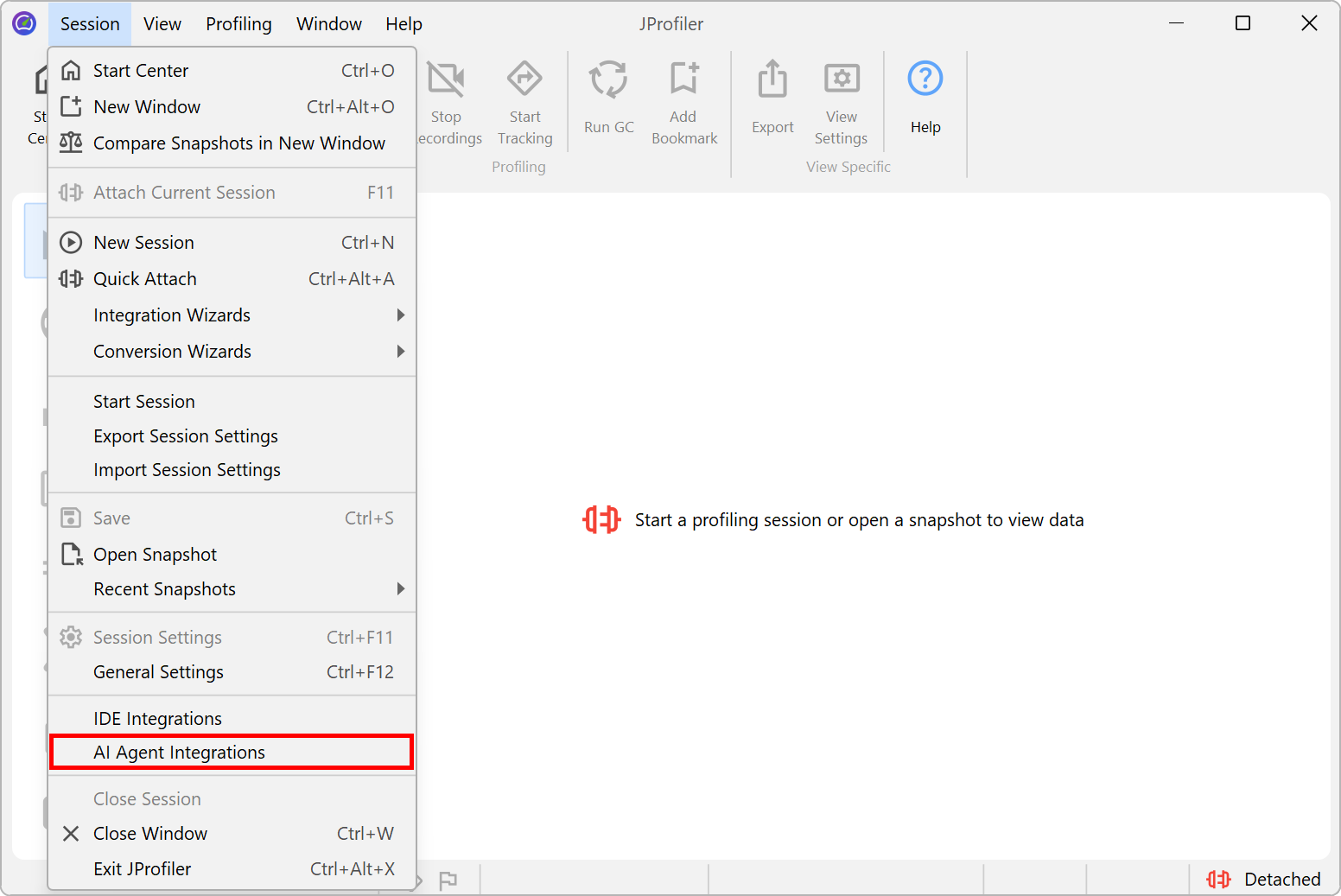
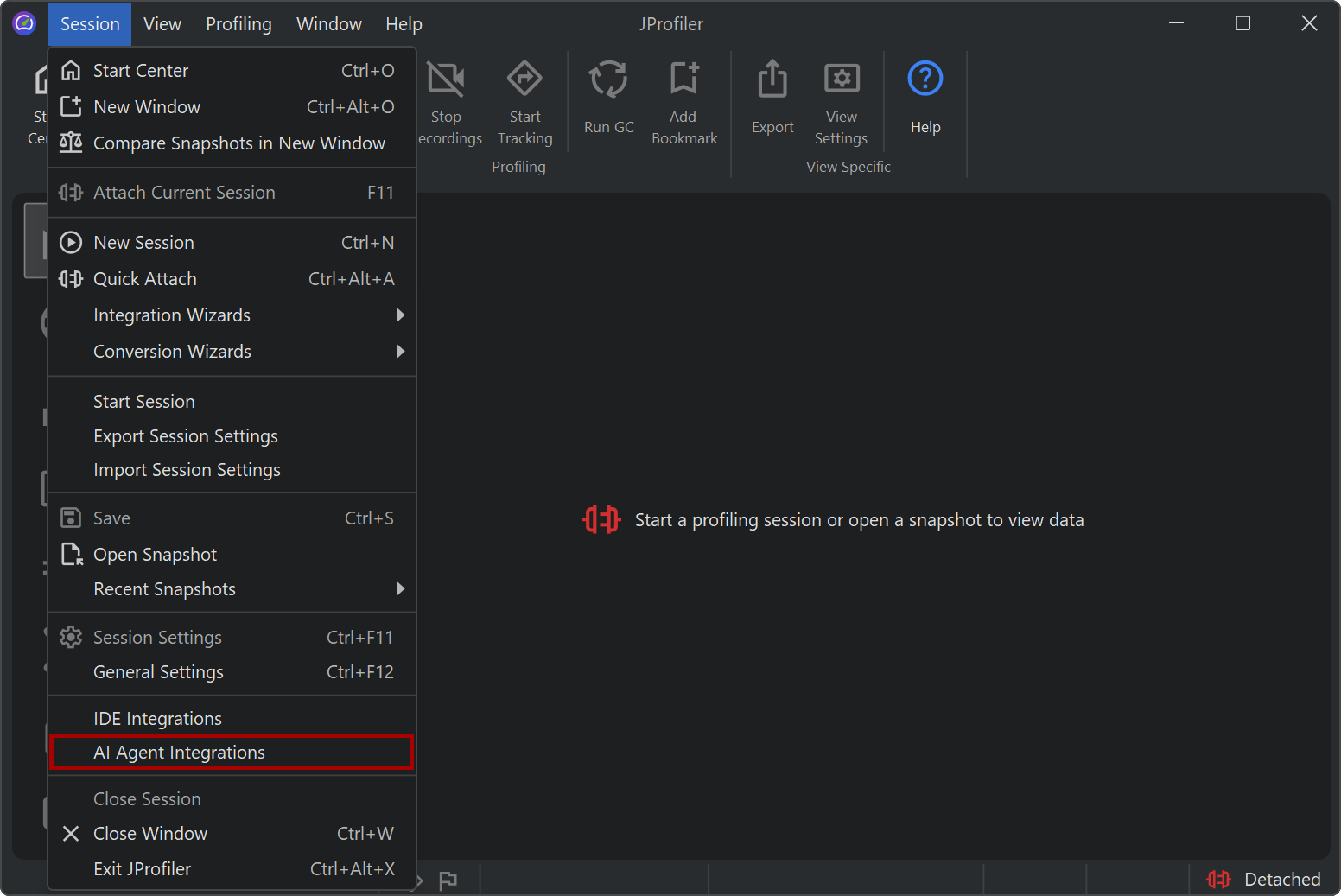
To integrate JProfiler with an AI agent, invoke Session→AI Agent Integrations from the main menu. This opens the general settings dialog with the AI agent integration panel.
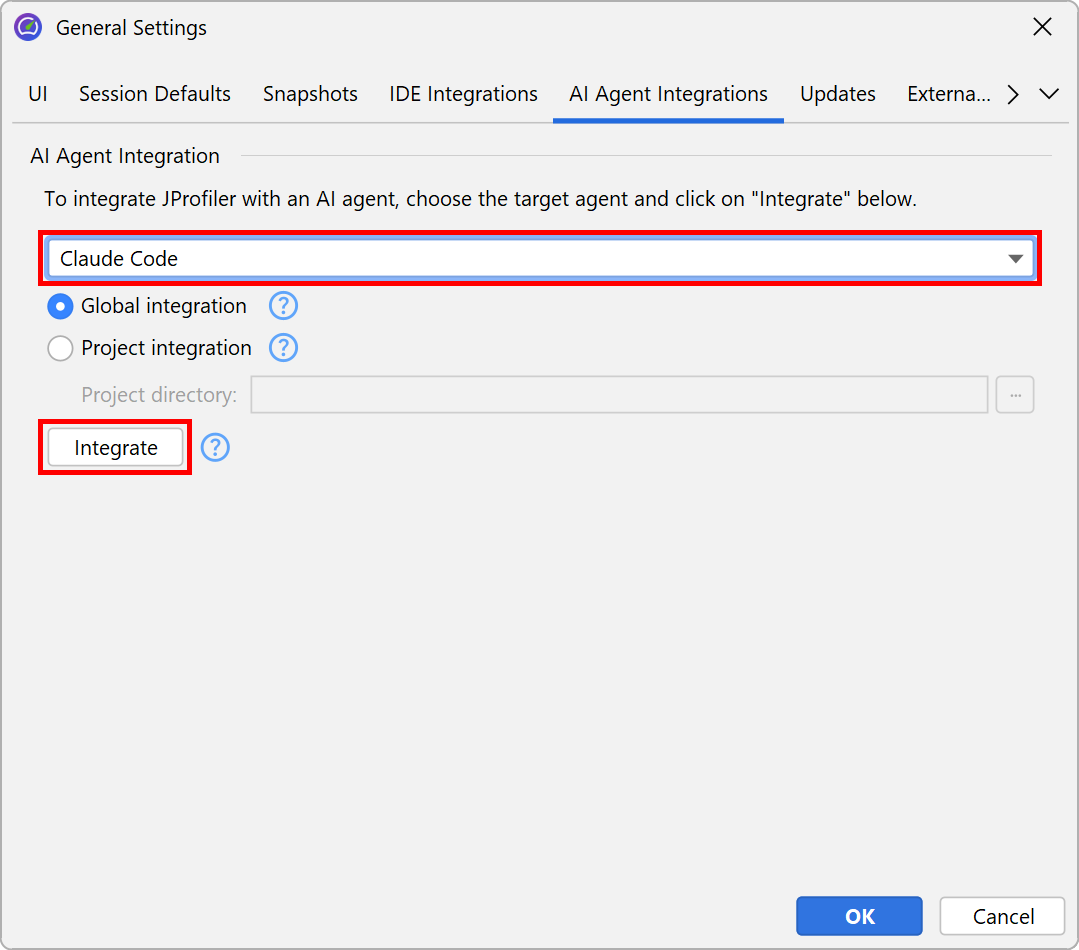
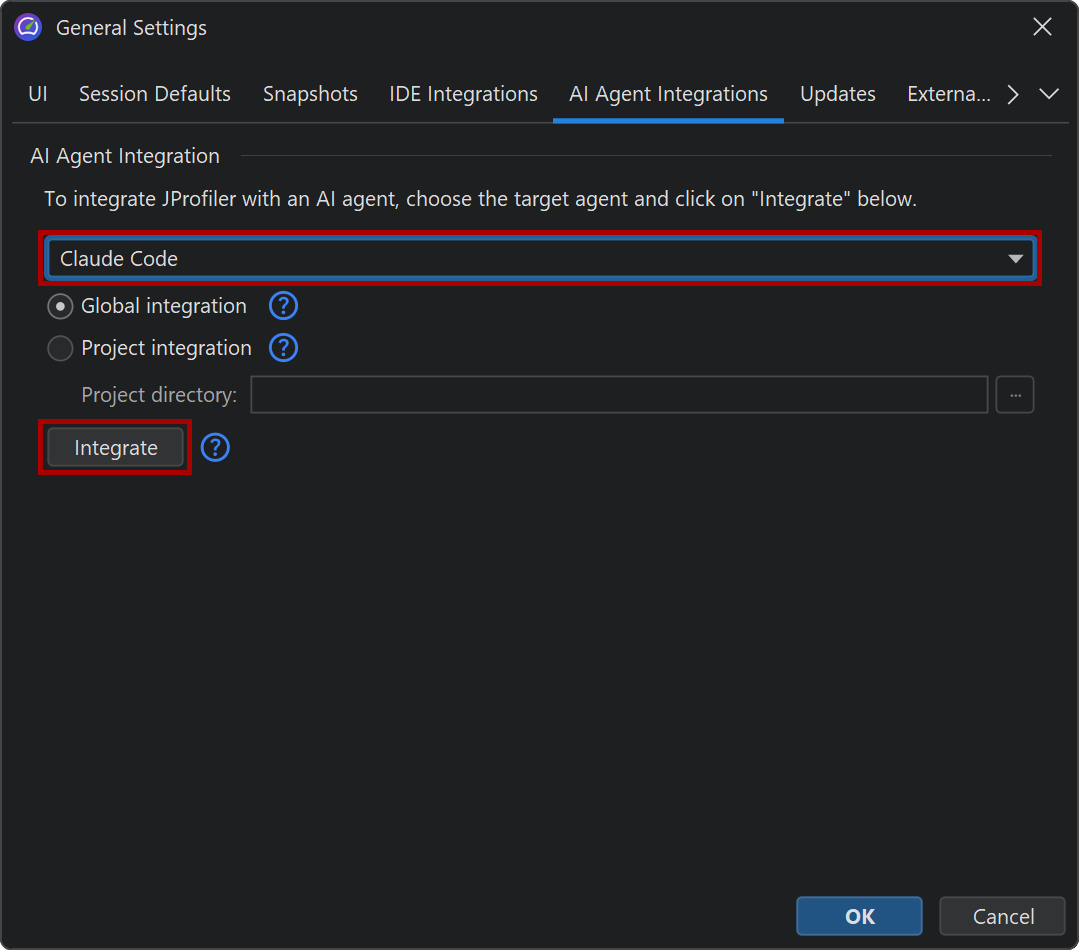
In the AI agent integration panel, select the desired AI agent from the drop-down. For agents that support project-scoped integration, you can choose between a global and a project-scoped configuration. A global integration makes the JProfiler MCP server available for all projects of the current user, while a project-scoped integration writes the configuration file into the selected project directory, so it is only active for that project. You can perform the integration multiple times for different projects.
Click the Integrate button to perform the integration. JProfiler will update the agent's
configuration file to register the JProfiler MCP server. After the integration, the AI agent can discover
and use the JProfiler MCP server. The MCP server executable bin/jpmcp is started
by the AI agent as needed.
CLI setup
The MCP setup page on the ej-technologies website provides one-line installation scripts that download and configure the MCP server for your AI agent. On macOS and Linux, run:
curl -fsSL https://www.ej-technologies.com/jprofiler/mcp/install.sh | sh
On Windows, run the following command in PowerShell:
irm https://www.ej-technologies.com/jprofiler/mcp/install.ps1 | iex
Manual setup with the npm wrapper
If you prefer to use npm and configure the MCP server manually, you can use the @ej-technologies/jprofiler-mcp npm package. It automatically downloads and provisions JProfiler on first use, so no separate installation is required. It also handles license activation, including the option to start a free evaluation.
Add the following MCP server configuration to the agent's configuration file:
{
  "mcpServers": {
    "JProfiler": {
      "command": "npx",
      "args": ["-y", "@ej-technologies/jprofiler-mcp@latest"]
    }
  }
}
The same command line options that are available for bin/jpmcp can be
appended to the args array. For example, to restrict the analysis to specific
packages:
"args": ["-y", "@ej-technologies/jprofiler-mcp@latest", "--filter", "com.example.app"]
The wrapper downloads JProfiler to the .jprofiler-mcp directory in the user's
home directory and verifies the download with a SHA-256 checksum. Subsequent invocations reuse
the existing installation.
Capabilities
The JProfiler MCP server bin/jpmcp is a command-line tool that
communicates with AI agents via the MCP standard protocol. It requires a valid JProfiler license,
just like the JProfiler GUI.
The MCP server can profile Java applications in several ways:
-
Starting processes
The MCP server can start a Java process with profiling enabled. It provides the required JVM parameter and records data for all configured subsystems. -
Attaching to local processes
For already running JVMs, the MCP server can list available Java processes and attach to them by process ID. -
Attaching to Docker containers
The MCP server supports attaching to Java processes running in Docker containers, providing the same profiling capabilities as for local processes.
Independently of profiling a live application, existing snapshots can be analyzed:
-
JProfiler snapshots (.jps)
Full JProfiler snapshots with CPU, memory and probe data. Two snapshots of the same type can be loaded for baseline comparison to detect performance regressions. -
HPROF snapshots (.hprof)
Standard Java heap dumps for memory analysis. -
PHD snapshots (.phd)
IBM portable heap dump files. -
JFR recordings (.jfr)
JDK Flight Recorder files with CPU, probe and object count data.
For memory analysis, the MCP server can create heap dumps of running JVMs, including those running in Docker containers. The heap data is analyzed in terms of the biggest objects and their retained sizes, retained classes for individual objects and overall class histograms.
Performance analysis
The AI agent can retrieve performance hotspots and call trees for CPU profiling as well as for all recorded probe subsystems. The analysis can be narrowed down to specific packages, and the agent can iteratively drill down into individual hotspots to examine their back traces. For CPU data, both runnable-only and wall-time mode are supported.
The subsystems that are recorded can be configured with the --subsystems
command line option described below.
Command line options
While the MCP server is typically started by the AI agent without any arguments, you can pass command line options in the agent's MCP configuration to customize the profiling behavior:
-
-f, --filter
A comma-separated list of project packages to profile, for examplecom.example.app,org.service. This restricts the analysis to relevant code, reducing noise and optimizing the context usage in the AI agent. -
-s, --subsystems
A comma-separated list of subsystems that will be recorded. Available values arecpu,jdbc,jpa,mongo_db,cassandra,http_server,http_client,ws,jndi,jms,kafka_consumer,rmi,grpc,ai,socket,file,processandgc. By default,cpu,jdbc,jpa,http_server,http_client,mongo_dbandgcare recorded. -
-d, --max-depth
The maximum stack depth used for back traces.
Complex profiling scenarios
The MCP recording integration works best with simple profiling scenarios. For complex scenarios that require detailed control over profiling settings, such as custom triggers, advanced filter configurations or specialized recording modes, it is recommended to record a JProfiler snapshot (.jps) manually using the JProfiler GUI and then let the AI agent analyze the recorded data.