

The install4j IDE, the command line compiler, and the documentation are now available in Simplified Chinese, Japanese, and Korean. Menus, dialogs, wizards, built-in bean names and property help, and compiler messages have been localized. The complete manual has been translated as well, including its screenshots.
What's new in install4j
Please see the change log for a detailed list of all changes.
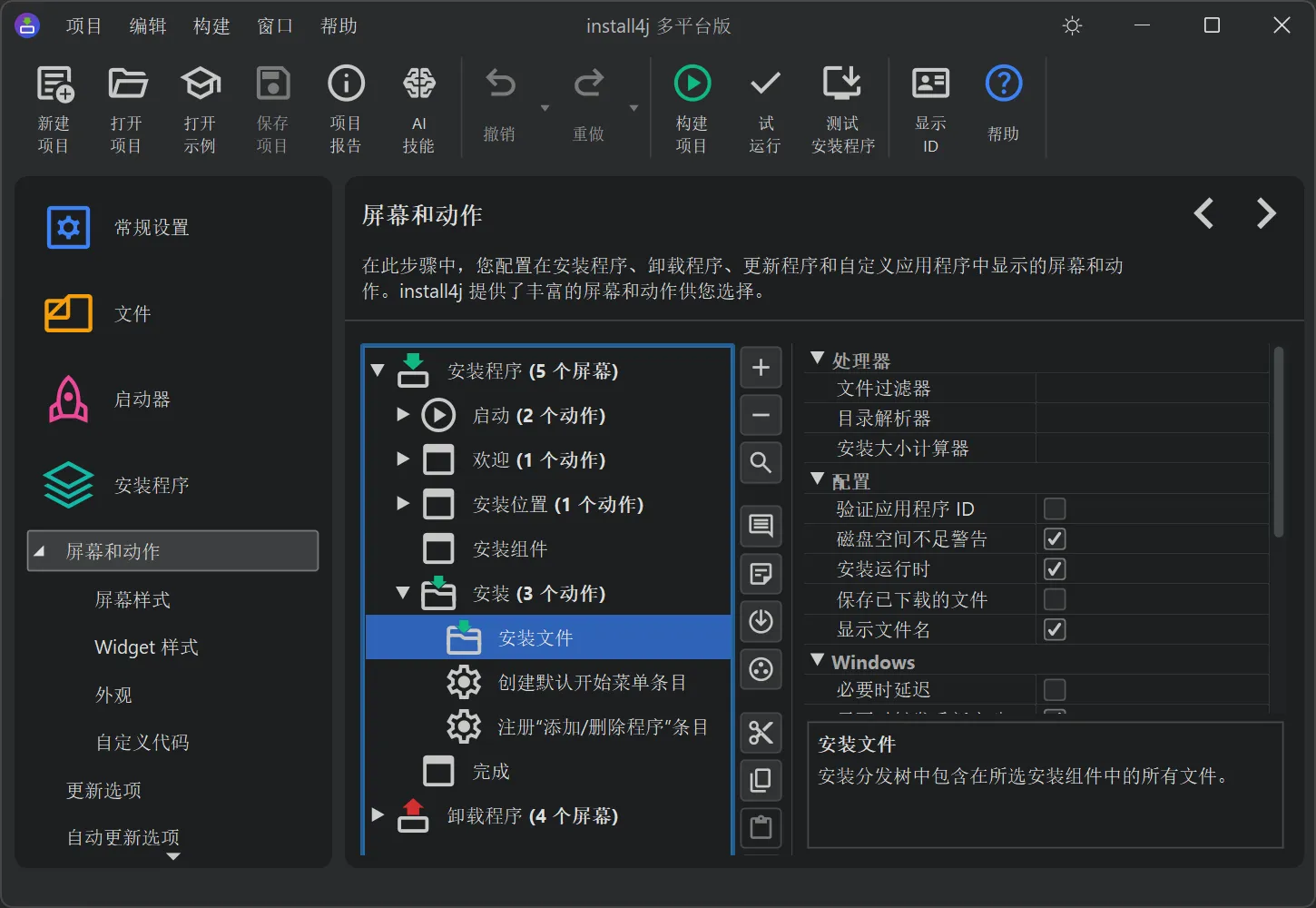
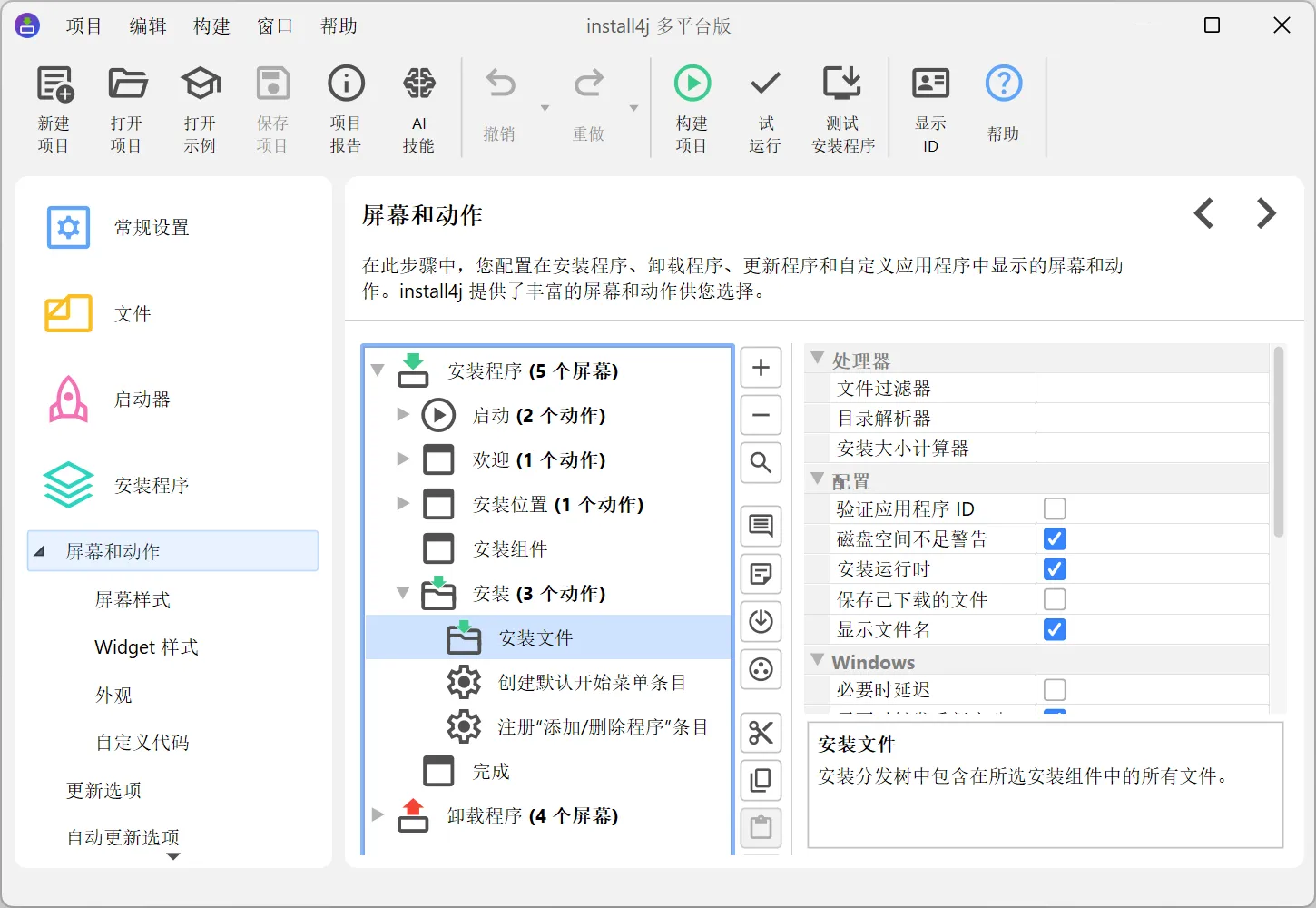
By default, the UI language is auto-detected from the operating system locale, with English as the fallback for unsupported locales. It can be changed on the "Appearance" tab of the preferences dialog. The same language setting is used by the command line compiler, and a change takes effect after restarting install4j.
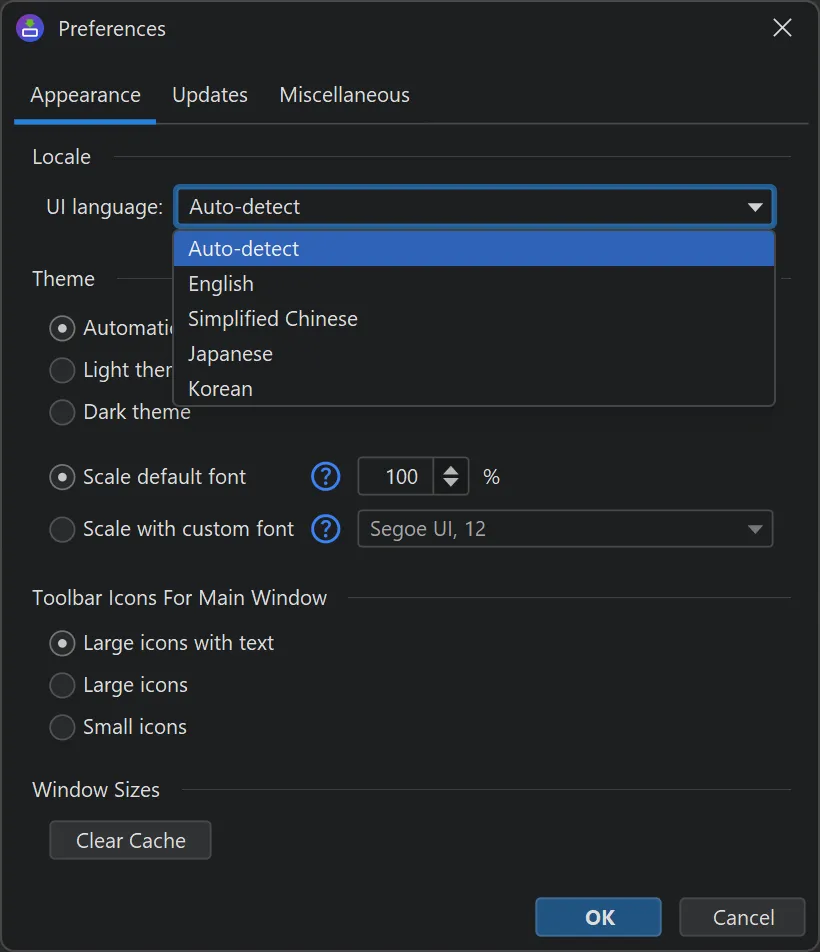
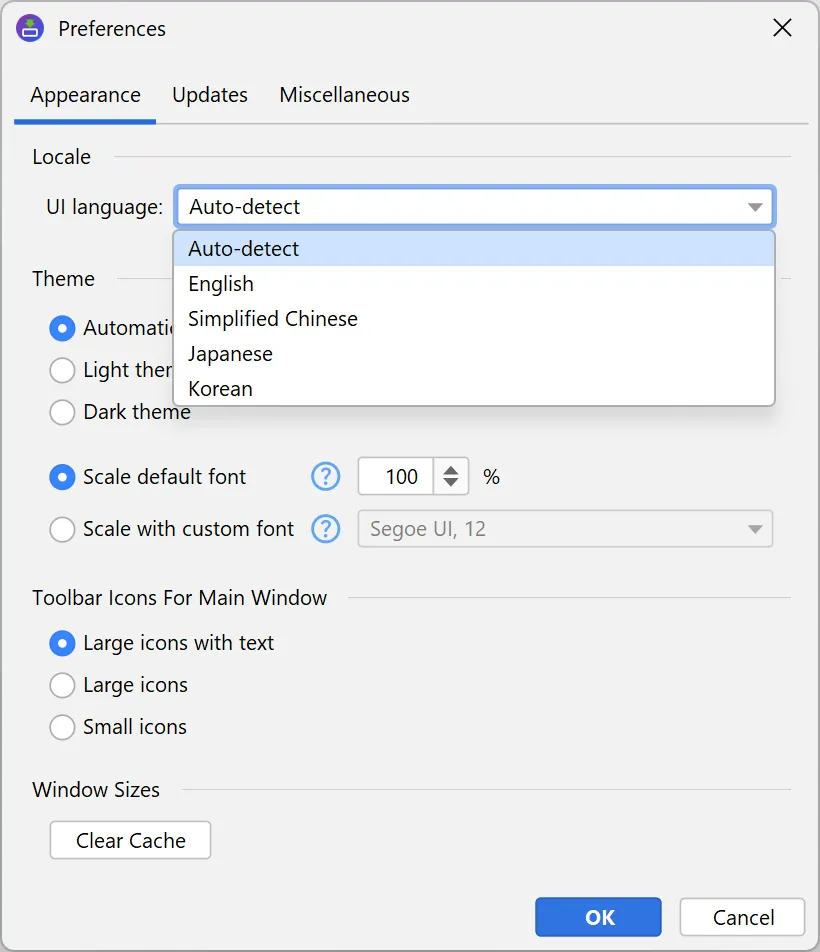
Installer runtime languages are not affected by this setting and are still configured on the "General Settings->Languages" step.
A "Verify update publisher" action has been added to increase security for update installers that are downloaded through updaters. Before an update is executed or scheduled for execution, its publisher is compared with the publisher of the current application.
On Windows, the Authenticode signature is validated, publisher identities are compared, and the signing certificate is checked for revocation.
On macOS, code signatures are validated with an Apple trust anchor and team IDs are compared. DMG files must have a trusted signature with the same team ID as the contained application. The DMG signature is checked before the disk image is mounted.
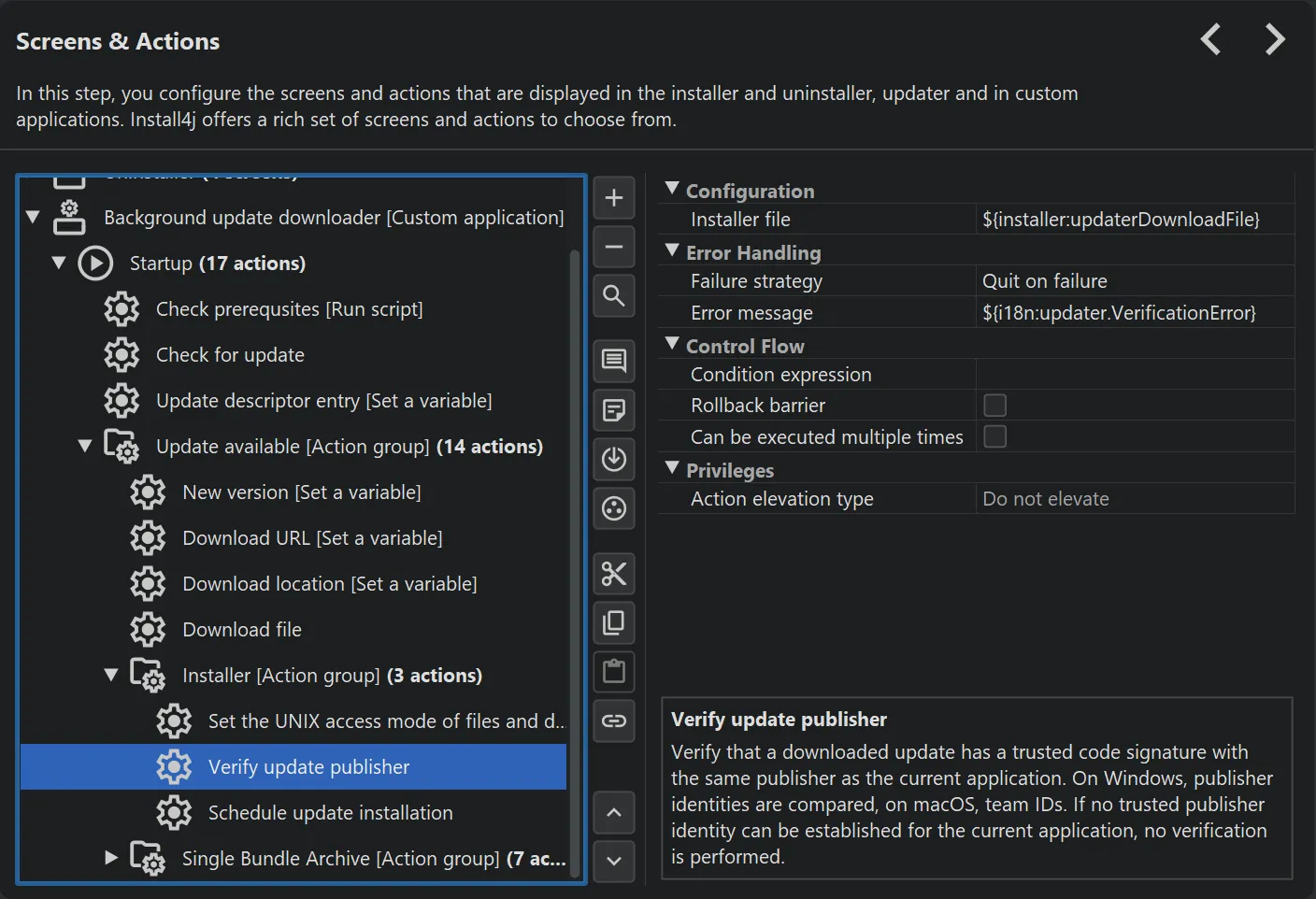
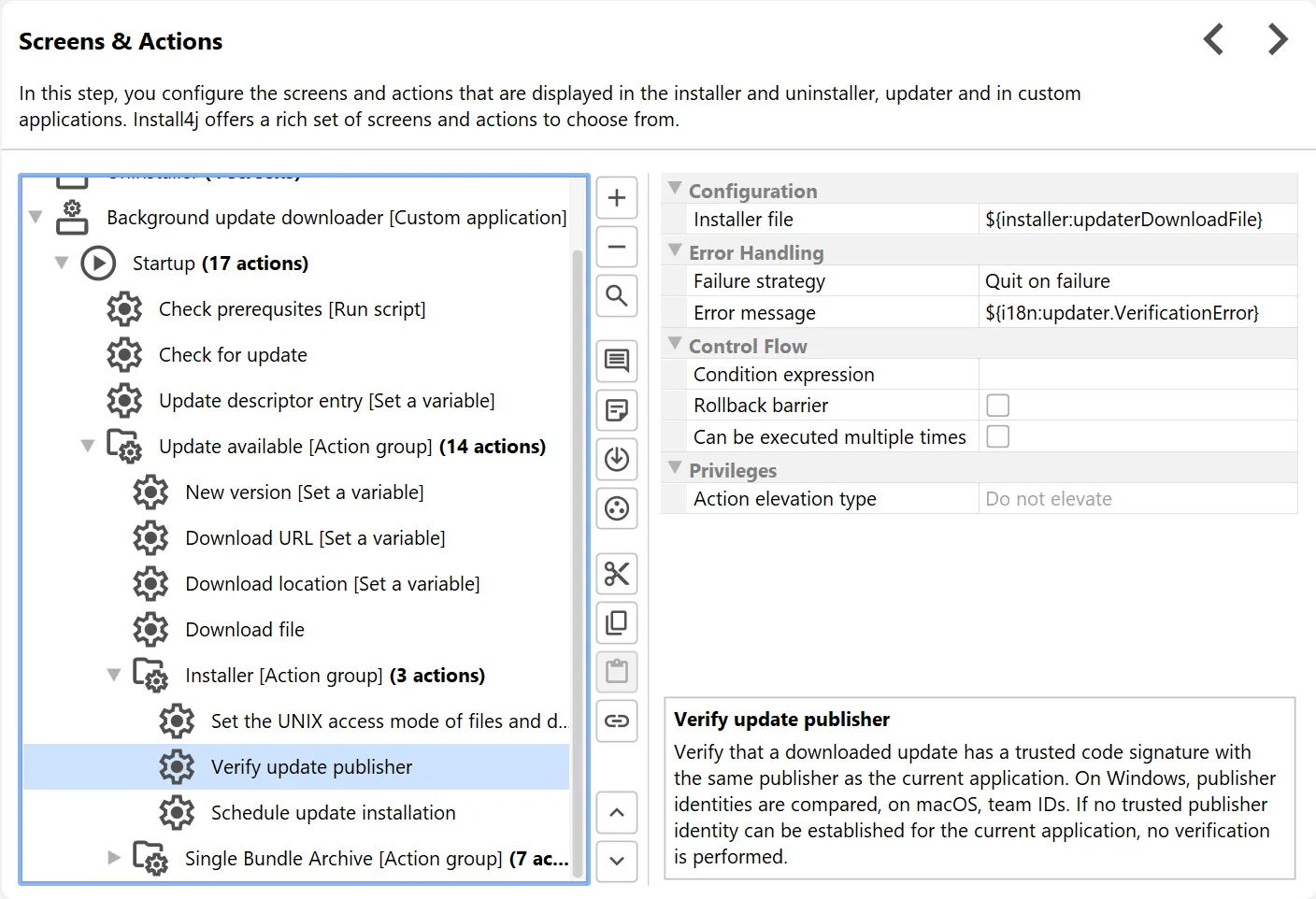
The action is present in update downloader templates and is used automatically for new projects. When you build a custom update downloader, add the action after downloading the update and before executing or scheduling it. For a macOS single bundle archive, add it after extracting the archive and point its "Installer file" property to the directory that contains the extracted application.
Certificate renewals and signing key changes do not require any configuration as long as the publisher identity remains the same. For unsigned applications, no trusted publisher identity can be established, and no verification is performed. Once a trusted identity is available, unsigned, invalidly signed, and differently signed updates are rejected.
Pre-shutdown notification has been added for Windows services. Services that are generated by install4j receive the notification by default, so considerably more time is available for shutdown hooks than during a regular service shutdown.
The pre-shutdown timeout can be configured in the "Install a service" action and defaults to 60 seconds. If Windows service dependencies are configured, the service is inserted into the Windows pre-shutdown order before those dependencies. Entries are deduplicated on reinstall and removed on uninstall.
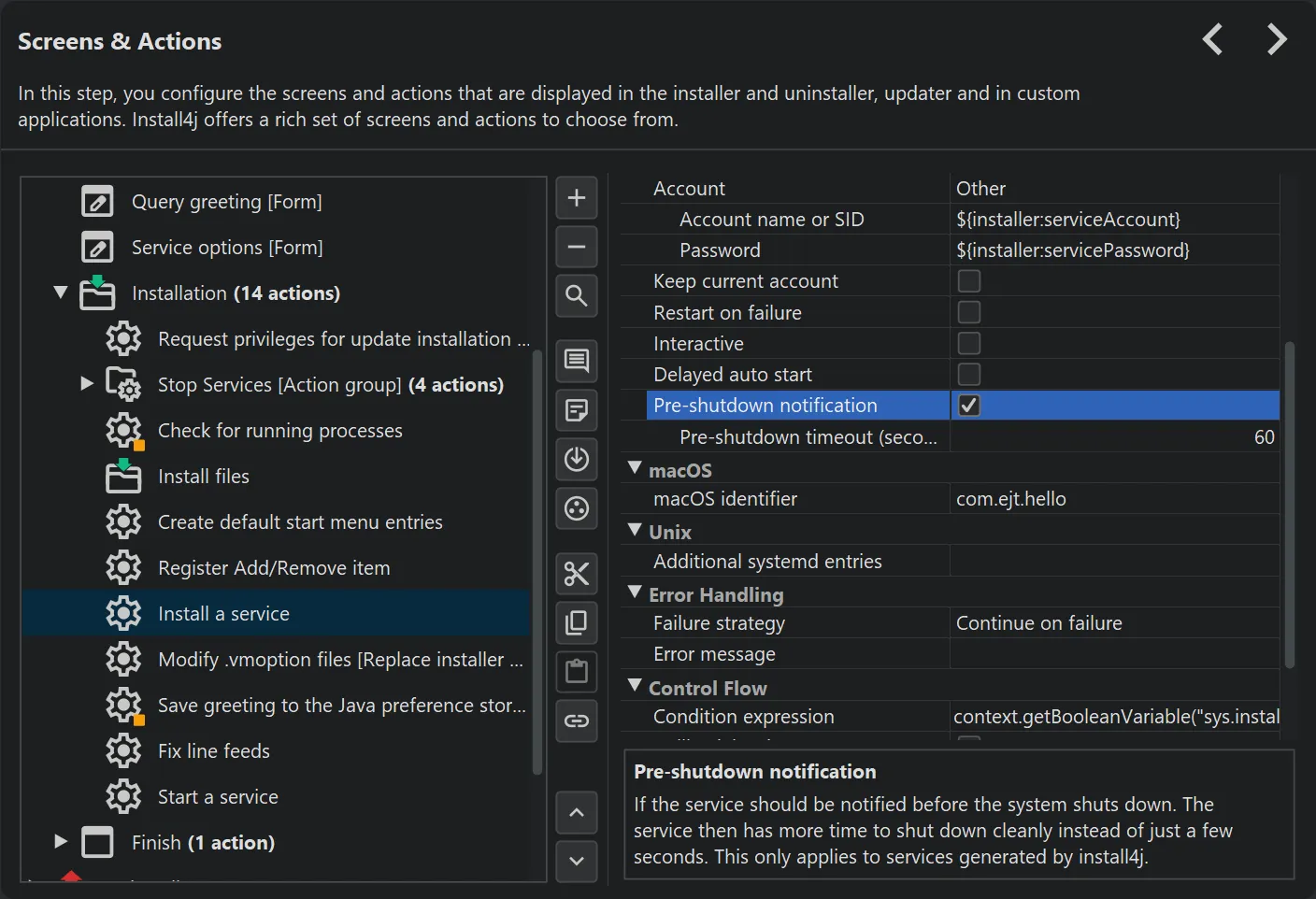
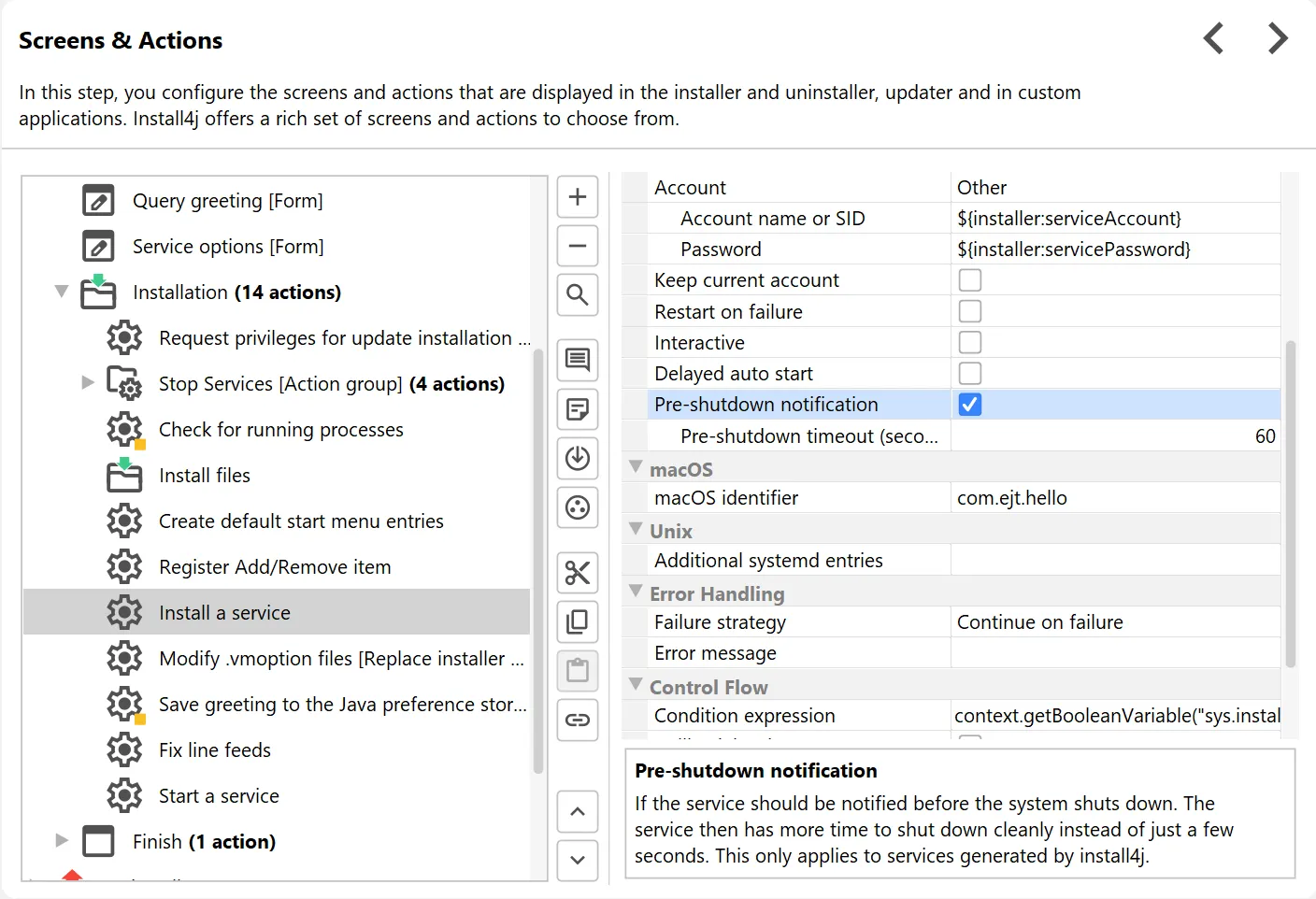
For programmatic service installation, the same settings can be applied with
serviceConfiguration.preshutdown(true).preshutdownTimeoutSeconds(60).
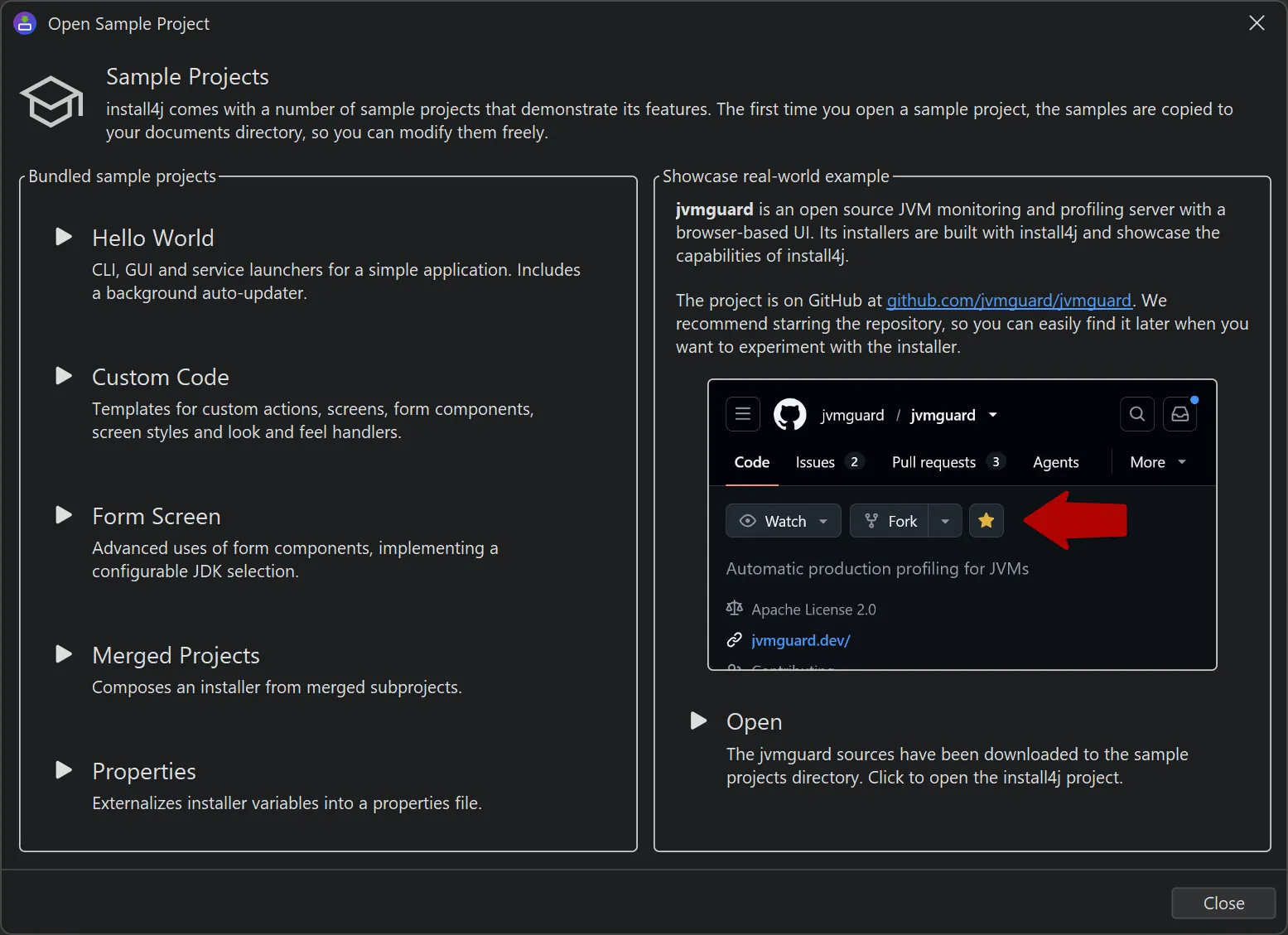
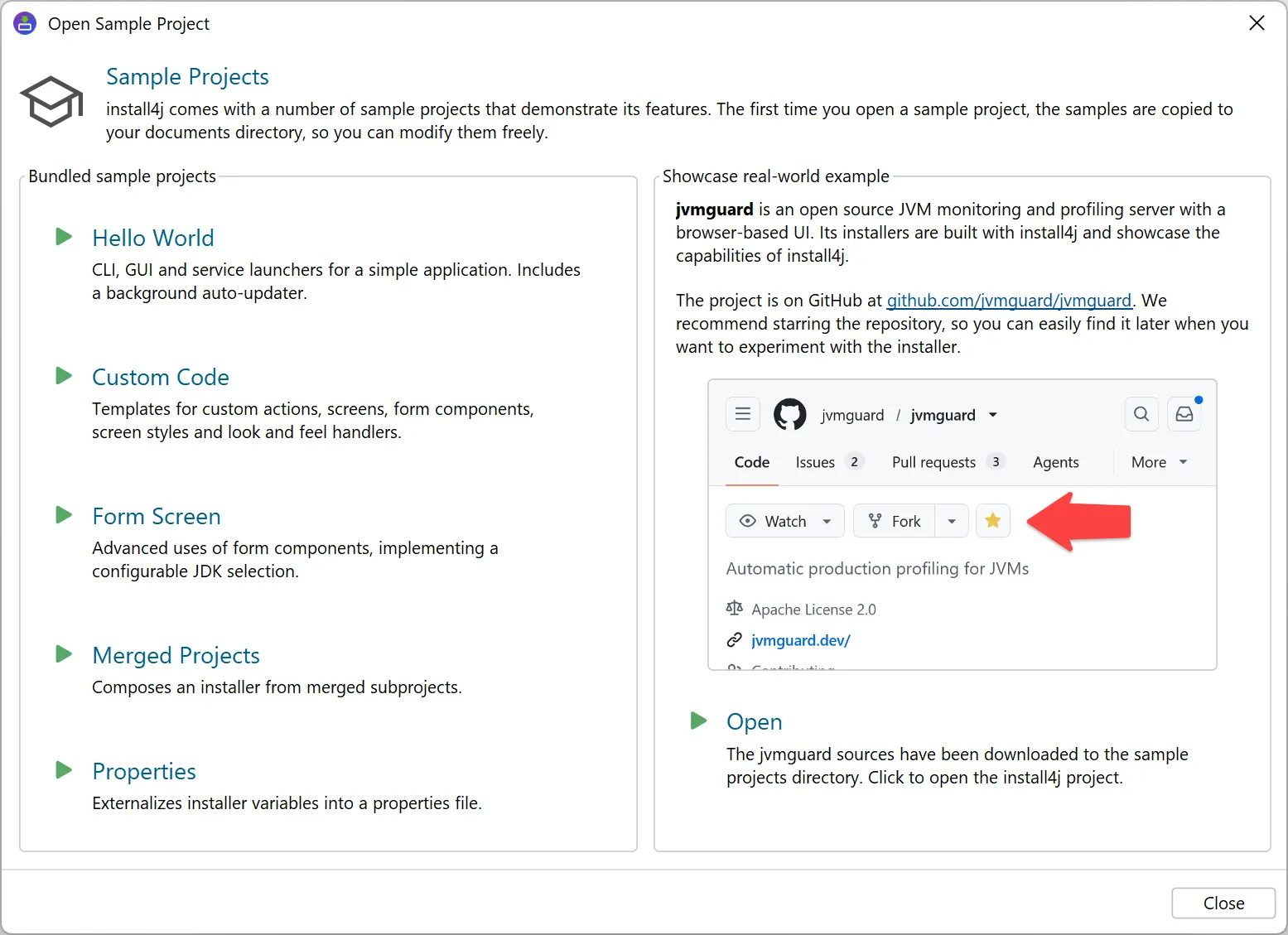
The "Open Sample Project" file chooser has been replaced with a sample projects dialog. The bundled examples are presented with descriptions of what each project demonstrates. A toolbar button has been added for direct access.
The first time you open a bundled sample, the samples are copied to your documents directory, so you can modify them freely without changing the installation. As a real-world example, the dialog also includes jvmguard, an open source JVM monitoring and profiling server. Its install4j project can be downloaded from GitHub and opened directly in the IDE.
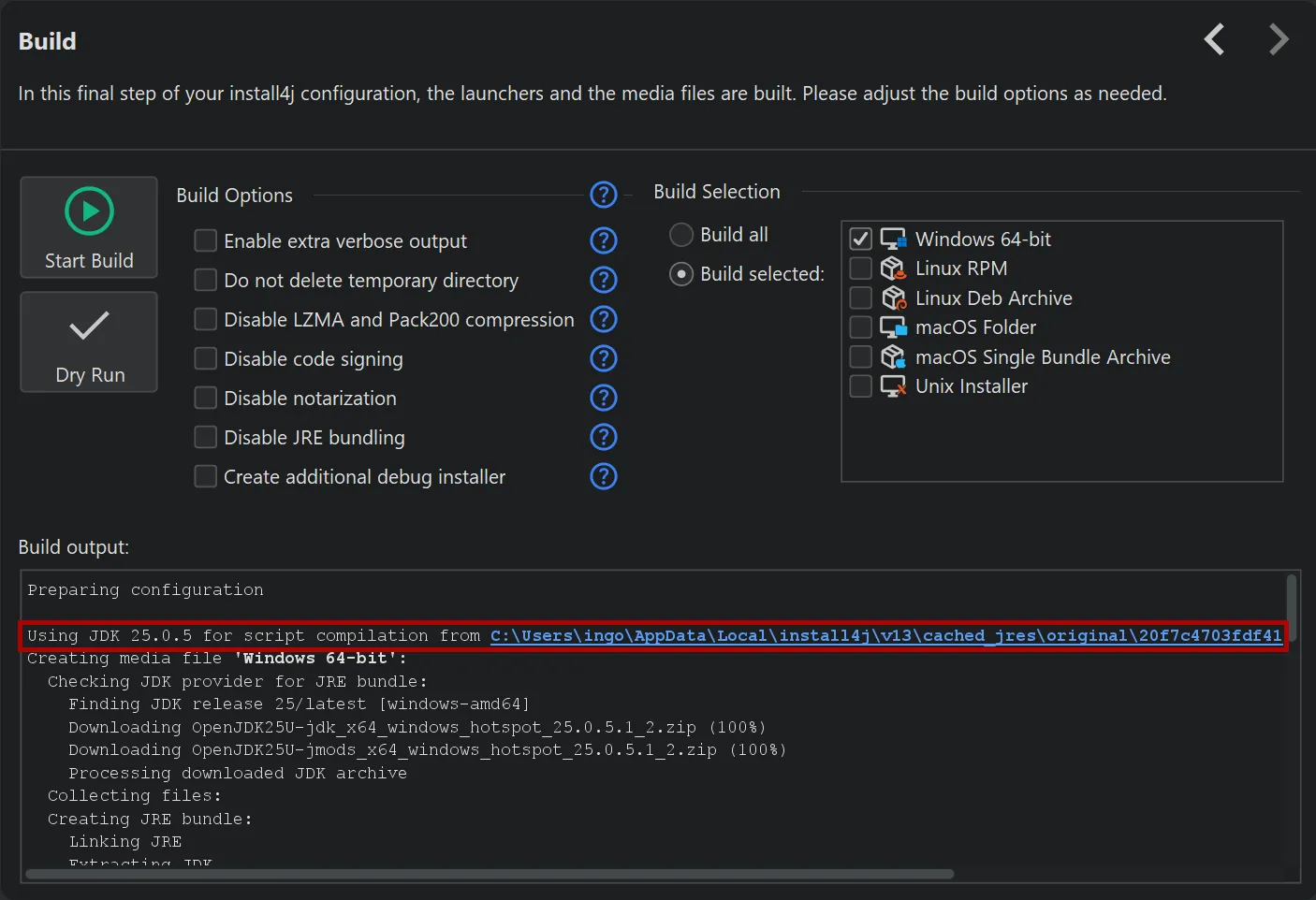
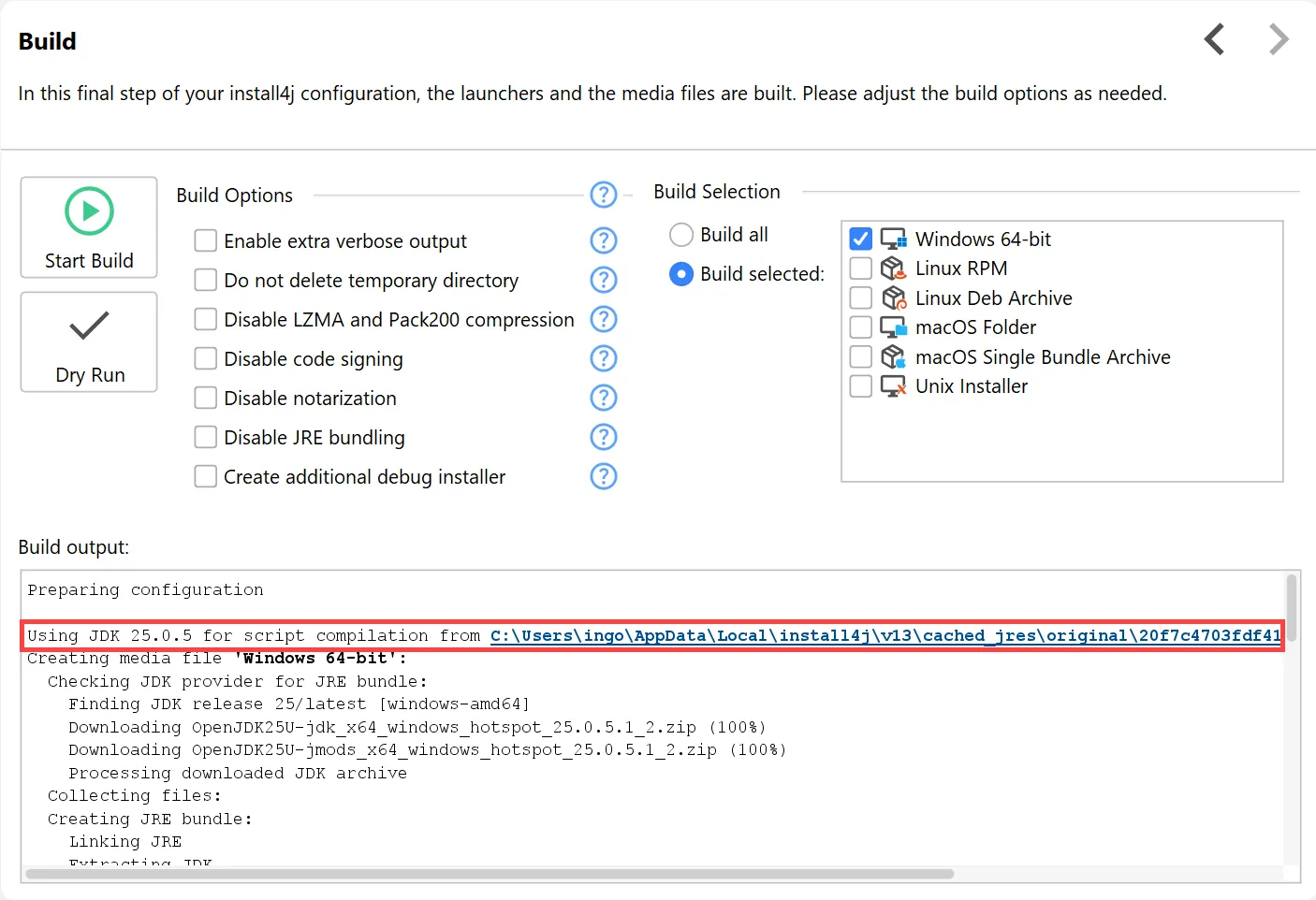
If a JDK is auto-downloaded for script compilation, its version and installation path are now written to the build log. This makes it easier to reproduce builds and to diagnose script compilation problems on development machines and build agents.
Generated launchers can now create an AOT cache that significantly reduces the startup time of your application. The AOT cache is a feature of the HotSpot JVM that stores loaded and linked classes in a file so that the JVM can skip most of the class loading work on subsequent runs.
On the new "AOT cache" step of the launcher wizard, you select "Create AOT cache on first run". When the application is started for the first time with Java 25 or higher, the launcher passes -XX:AOTCacheOutput=<cache file> to the JVM. This first run serves as a training run, and the JVM writes the cache when it exits. On subsequent runs, the cache is passed with -XX:AOTCache=<cache file>. With Java 24 and lower, no AOT parameters are passed, so a single launcher works for all Java versions.
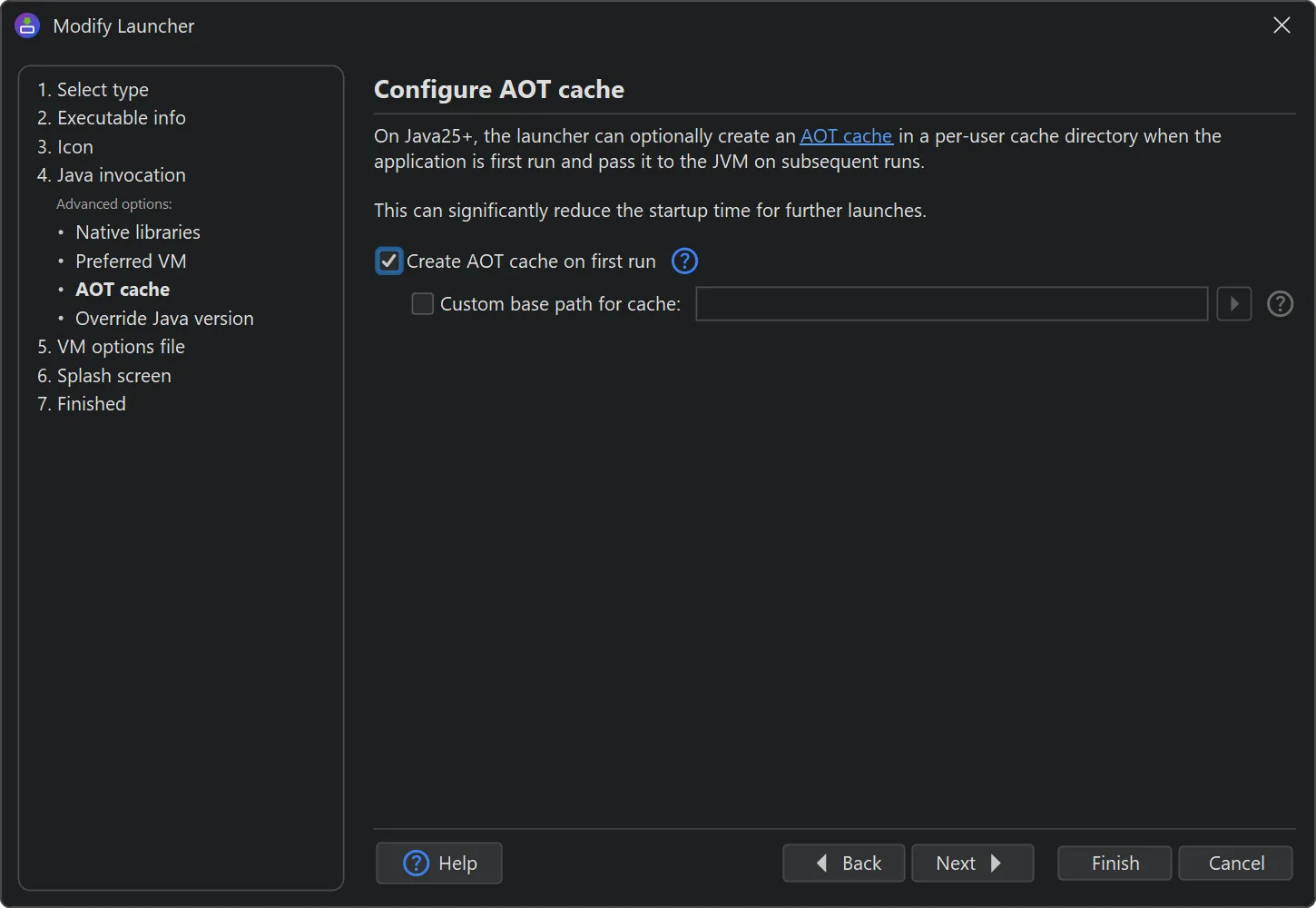
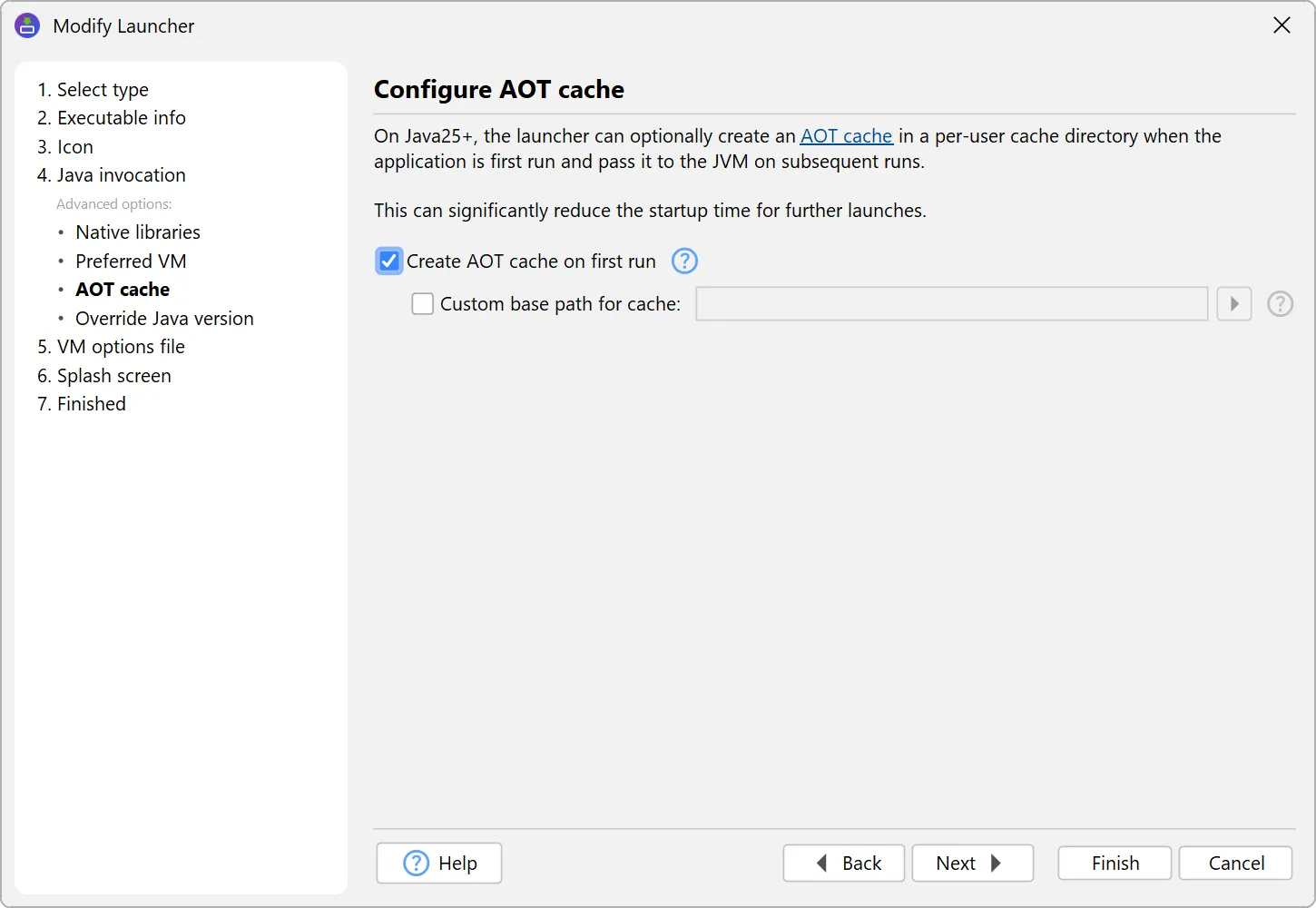
By default, the cache is stored in a per-user cache directory: $XDG_CACHE_HOME/install4j/aot or ~/.cache/install4j/aot on Linux and Unix, ~/Library/Caches/install4j/aot on macOS and %LOCALAPPDATA%\install4j\aot on Windows. A custom base path can be configured in the launcher wizard. The cache file name includes a key derived from the application build and the Java runtime, so the cache is automatically regenerated after application updates and Java runtime changes. Caches of previous builds are cleaned up automatically, and the uninstaller removes the cache of the installation.
The install4j IDE itself uses an AOT cache as well and now starts more than twice as fast.
A new set of YAML actions lets you read, modify, and write YAML configuration files during installation and uninstallation, without writing any scripts. YAML is the dominant configuration format in cloud-native environments, so installers increasingly need to adjust YAML files on the target system.
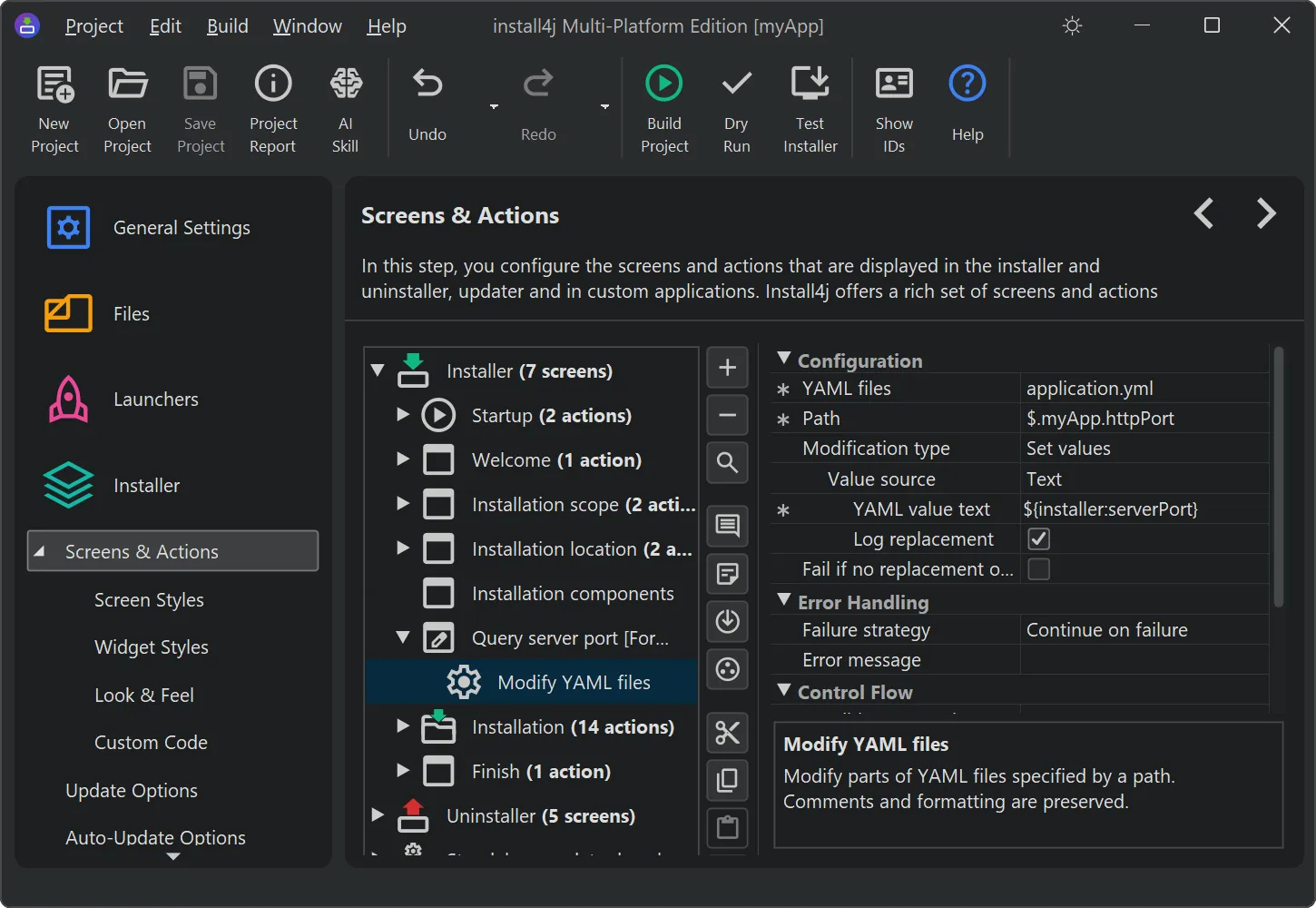
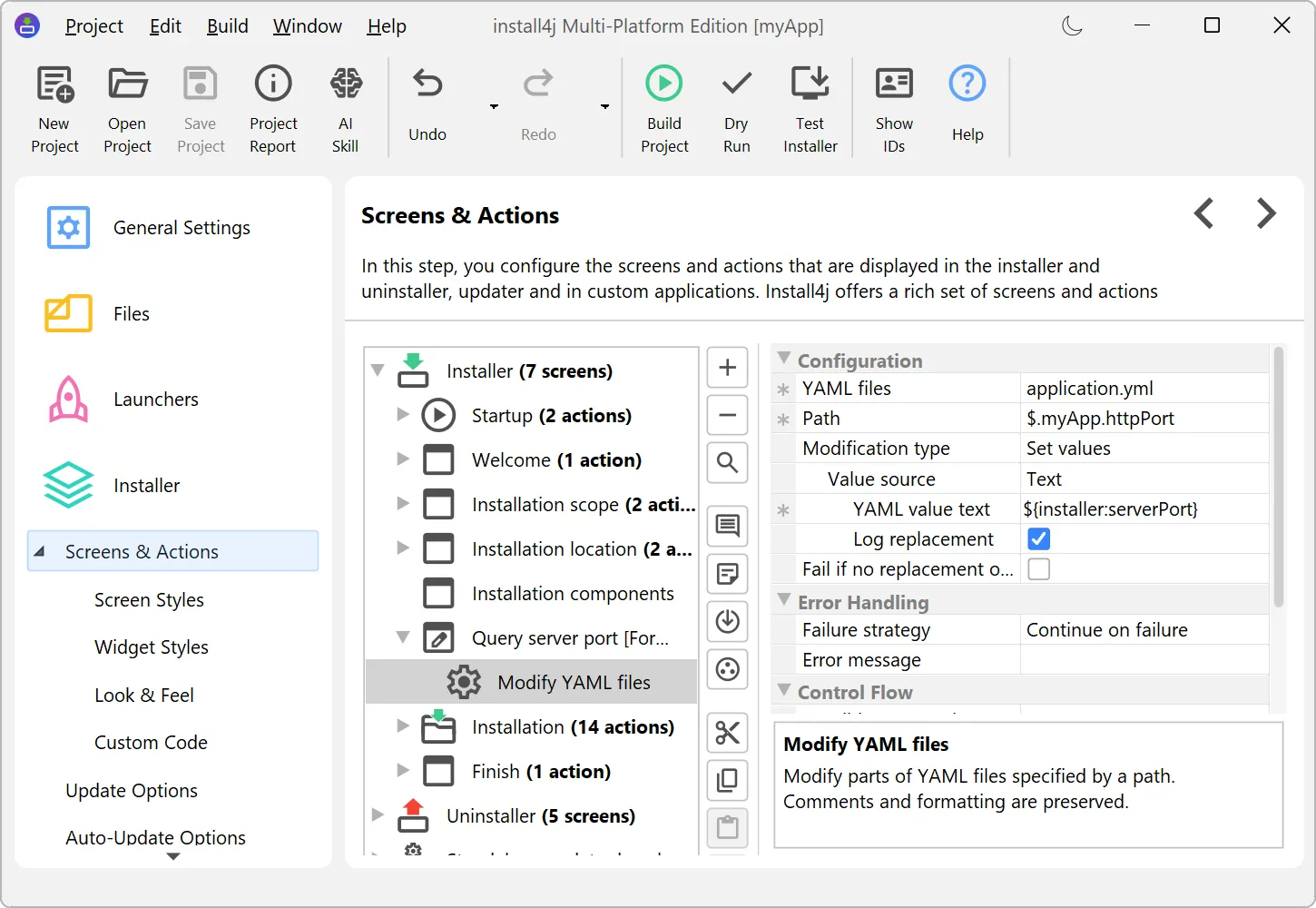
Four actions are provided:
-
"Read value from a YAML file" reads the value at a path into an installer variable. Scalar values keep their YAML type, and a mapping can optionally be exploded into one installer variable per top-level entry, which makes it easy to initialize a configuration form from a section of a YAML file.
-
"Count entries in a YAML file" counts the entries of a list or a mapping and saves the result to an installer variable.
-
"Modify YAML files" changes, inserts, or removes values at a path in one or more YAML files. Editing is done on the text level, so comments and formatting are preserved. Together with the exploded variables of the read action and its "Overlay installer variables" option, this supports a complete read-modify-write cycle without scripts.
-
"Write YAML file" writes a value to a YAML file, creating or overwriting the file.
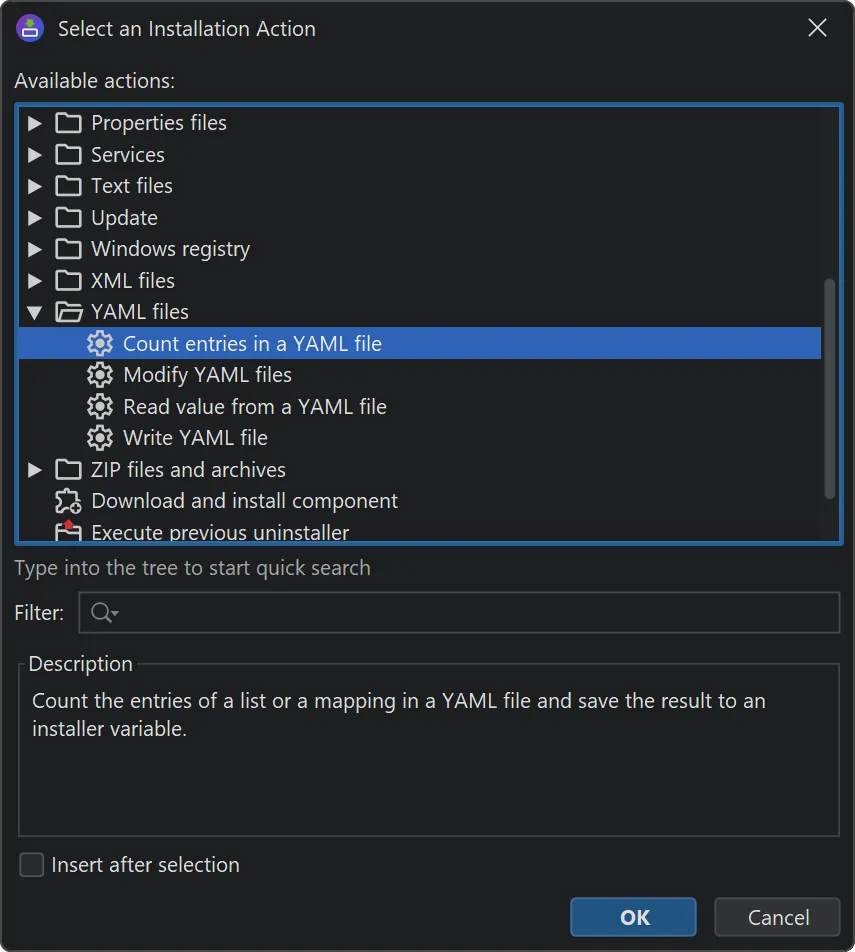
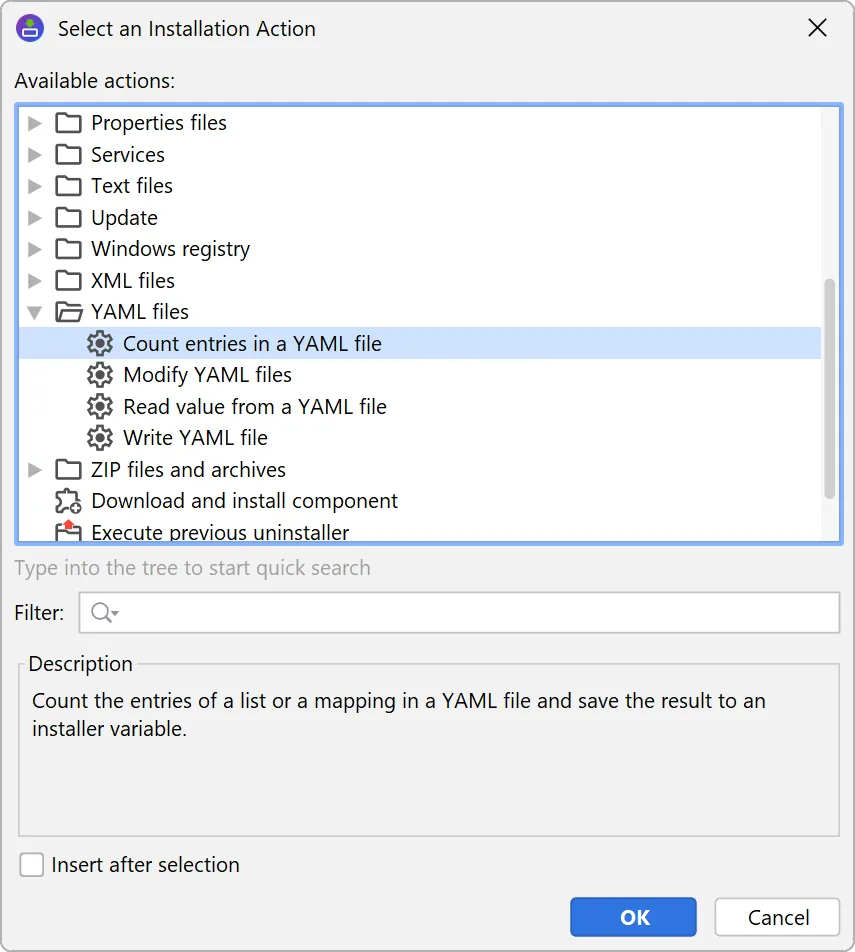
All actions address nodes with a common path syntax: $.key addresses a mapping key, $['key'] a key that contains dots or special characters and $[0] a list index. Segments can be combined, for example $.servers[0].host. Files with multiple YAML documents are supported through a document index.
install4j can now create CycloneDX software bills of materials (SBOMs) for the install4j runtime components that are shipped with generated media files. An SBOM lists all software components of an artifact together with their versions and hashes, so that vulnerability scanners can check your installers against known CVEs and your release meets software supply chain requirements.
The runtime SBOM covers the install4j runtime: the native launchers and helpers, the installer runtime and its bundled libraries. Libraries in your distribution tree are not included.
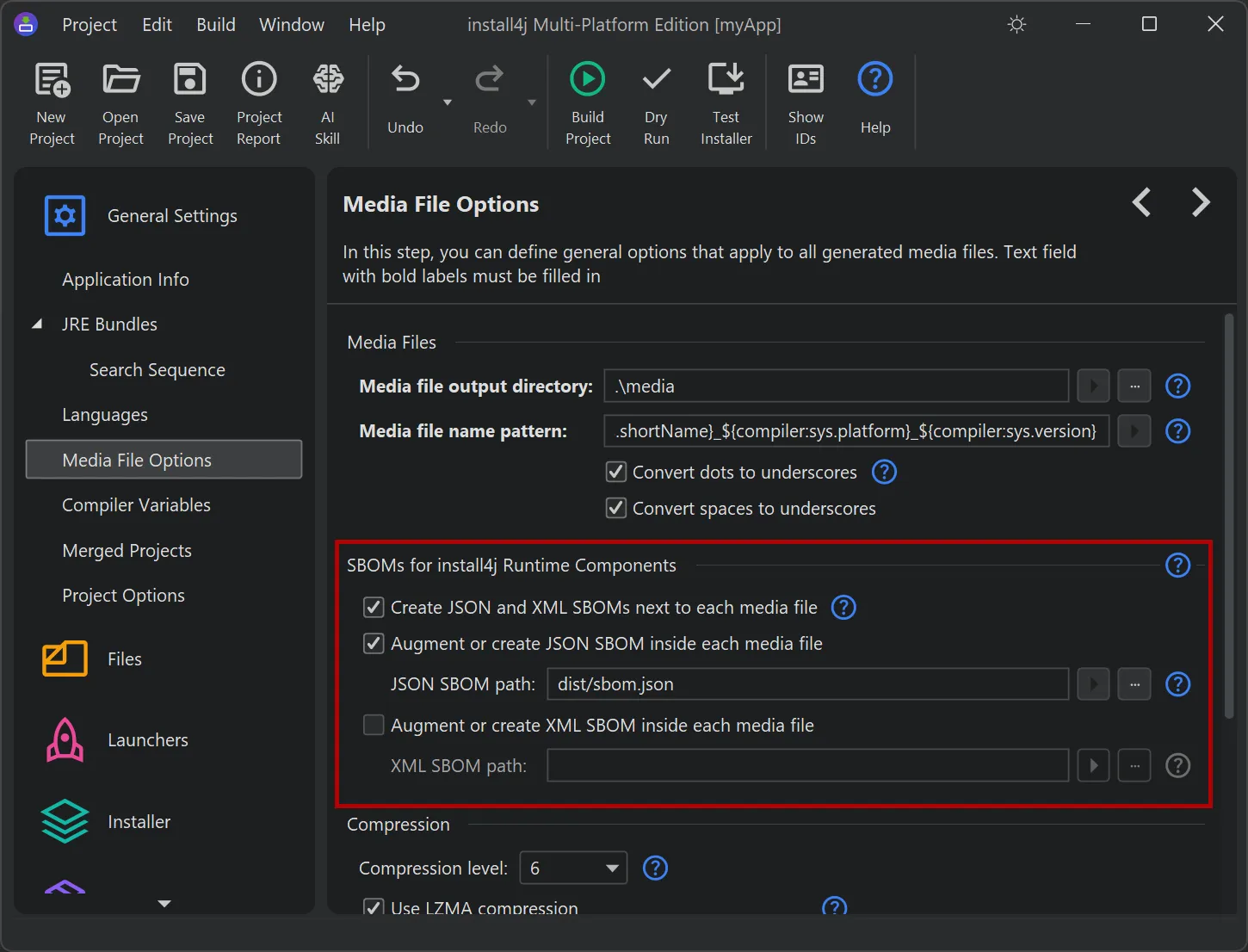
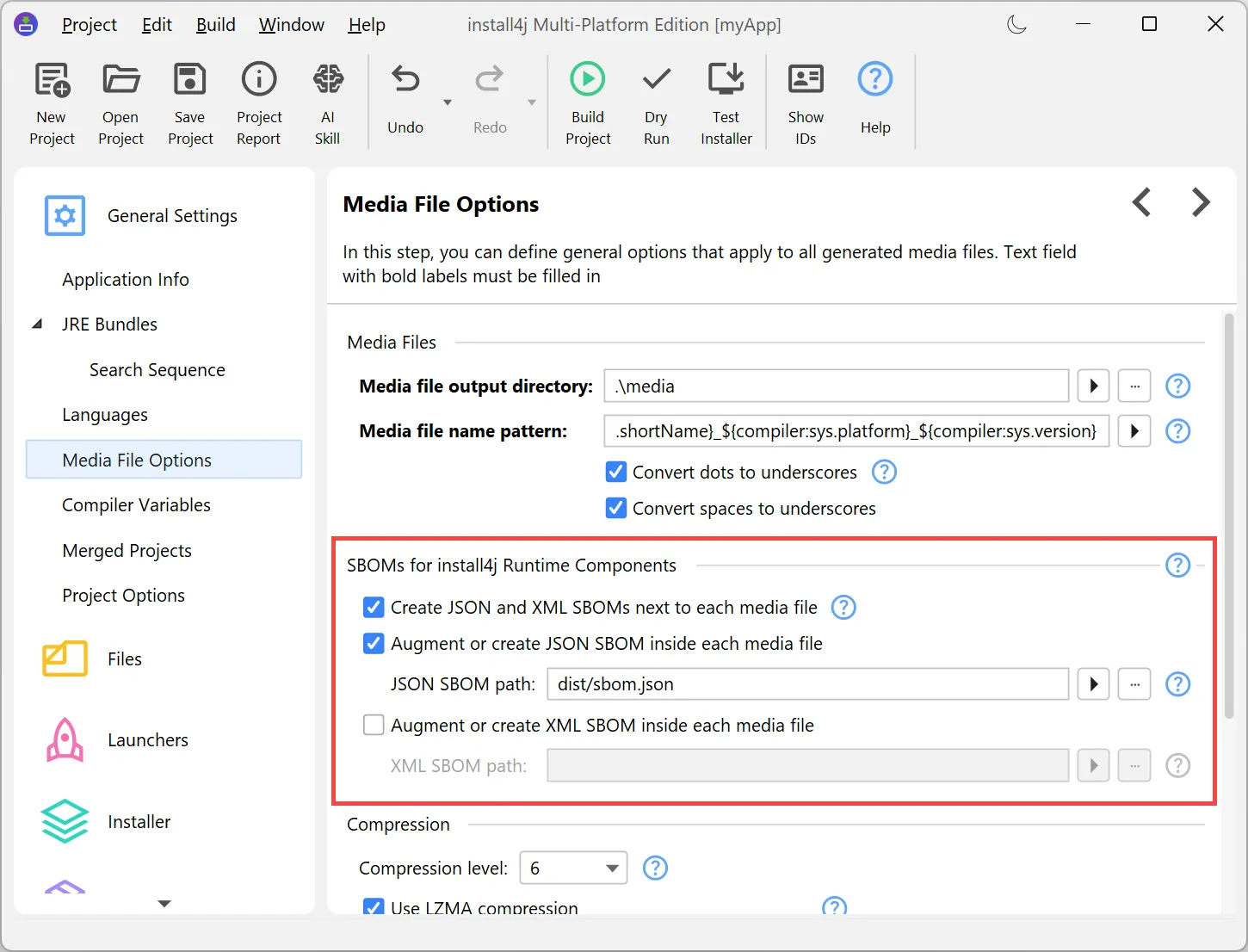
SBOM generation is configured on the "General Settings->Media File Options" step. Two independent outputs are available:
-
External SBOMs are written next to each media file in JSON and XML format. For a media file named myapp_windows-x64_1_0.exe, the files are named myapp_windows-x64_1_0.exe.install4j_runtime.cdx.json and myapp_windows-x64_1_0.exe.install4j_runtime.cdx.xml, so they can be uploaded to a security scanner together with the release.
-
Embedded SBOMs are placed inside the installation at a configurable path in the distribution tree, again in JSON or XML format. If no file exists at that path, install4j places the runtime-only SBOM there.
If an embedded SBOM path points to an existing CycloneDX SBOM, for example, one that your own build has generated for your application, install4j augments it with the install4j runtime components and their dependency graph. Existing content is retained, and the BOM version is incremented, so the installed artifact contains a single, complete SBOM. CycloneDX specification versions 1.2 through 1.7 are supported.
install4j 13.1 includes a security hardening pass over the entire codebase: the installer runtime, the native launchers and helpers, the compiler, and the IDE.
The same pass also produced a large number of robustness fixes for edge cases that could previously cause exceptions or corrupted output. The most notable ones are listed in the change log.